How to See Who Doesn't Follow You Back on Instagram (Manual & Tools Guide 2026)
Every safe method to find non-followers on Instagram in 2026 — free manual steps, the best third-party tools, and how to avoid getting banned.
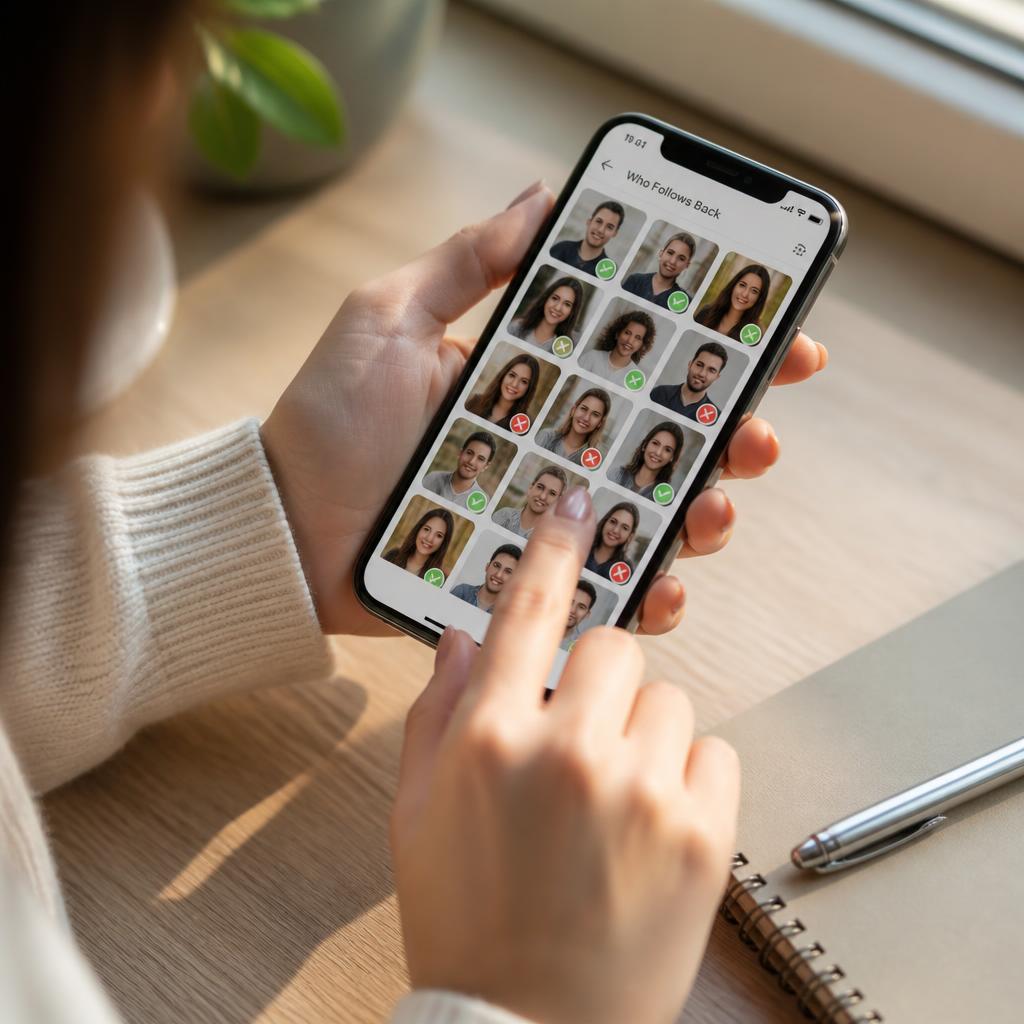
Instagram famously does not tell you who unfollowed you or who never followed you back. In 2026, the platform is stricter than ever about third-party apps, so knowing which methods are safe matters as much as knowing which methods work. Here is the complete playbook.
Method 1: The manual method (100% safe, 100% tedious)
Open the Instagram app, go to your profile, tap Following. For each person, tap their profile and check whether the Following tab on your side matches a Follow Back badge on theirs. This is completely safe — it uses no third-party access — but it takes hours if you follow more than 200 accounts.
Method 2: Instagram's own "Least interacted with" list
Since 2023, Instagram itself surfaces a filter: Following → Categories → Least interacted with. Non-followers almost always sit at the top because you never see their content in your feed. This is the closest Instagram will ever get to a native "who doesn't follow back" list.
Method 3: Reputable third-party tools (use with care)
Third-party tools can generate the full list in seconds, but they require your Instagram login and Meta suspends accounts that connect to unsafe apps. In 2026 the safer options are: FollowMeter, Followers Track for Instagram, Reports+, Unfollowers & Ghost Followers, and Cleaner for Instagram. All of them are available on iOS and Android.
Rules to avoid a ban
Never give your password to a browser-only "web tool" — those are almost always phishing sites. Only use apps published on the App Store or Google Play. Log out of the third-party app once you have your list, and change your Instagram password after. Do not mass-unfollow more than 50 accounts per hour or Instagram will action-block you for up to 24 hours.
Method 4: Desktop browser + spreadsheet (power user)
On desktop, open your Following and Followers lists in separate tabs, copy usernames into two columns of a Google Sheet, and use =COUNTIF() to find who is in Following but not in Followers. Free, private, and takes about 15 minutes for a 2k-following account.
Should you actually unfollow non-followers?
Only if it helps you focus. A high following-to-followers ratio (following 3,000 while only 500 follow you back) makes your profile look desperate to buyers, brands, and casual viewers. A cleaner ratio signals authority — which is one of the top factors people subconsciously judge before hitting Follow.
The bottom line
The manual method is safest, third-party apps are fastest, and Instagram's own "Least interacted with" list is the most underrated free option. Pick the one that matches how much time you have — and clean up the ratio while you are there.
Ready to actually blow up?
Real followers, likes and views for Instagram, TikTok, YouTube and Facebook — delivered safely within minutes.